
Type that stays crisp
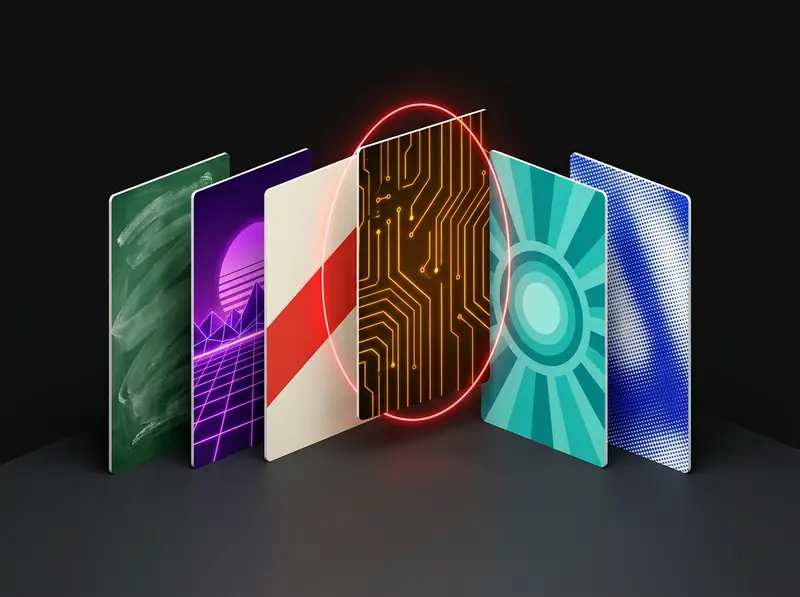
Every word is set in a real font, so captions and labels never melt into the gibberish a video model draws.
The viral video generator for Reels, TikTok and Shorts
Script, voiceover, captions, music and sound, rendered as a vertical video in about 3 minutes. Every frame is drawn as code, so the type stays crisp and nothing drifts.
 YouTube Shorts
 Instagram Reels
 TikTok
 YouTube
16 Styles
One typed topic, one style, rendered once and not edited. They play as you scroll; tap for sound. These are the videos exactly as Video Studio made them.
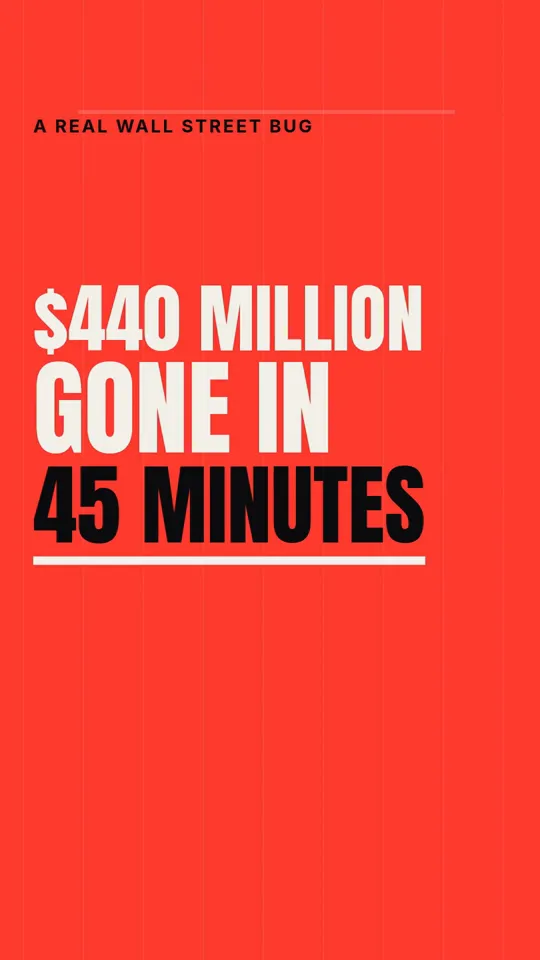
Huge words land the moment they are spoken.
Best for Facts, money, hot takes
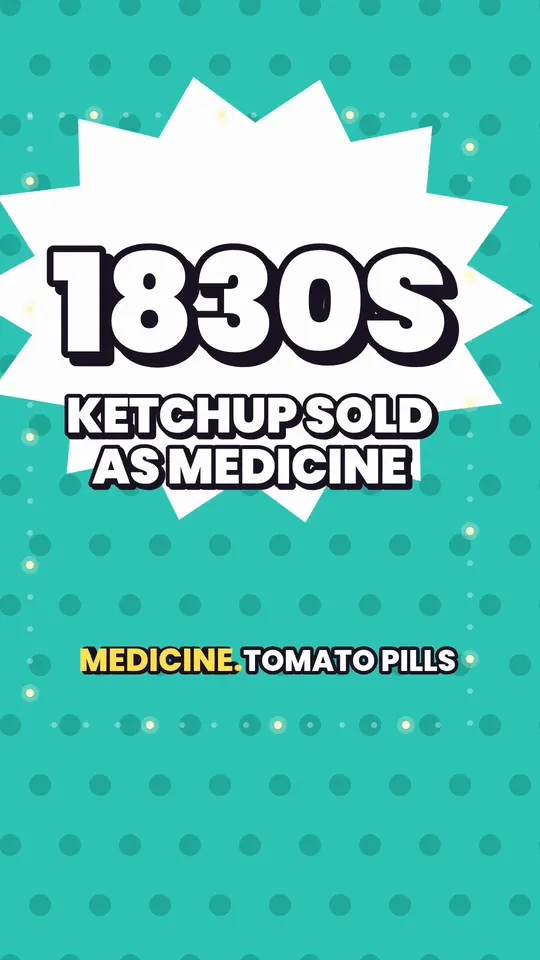
Candy sets, spinning sunbursts and chunky type that drops on the beat.
Best for Trivia, rankings, family
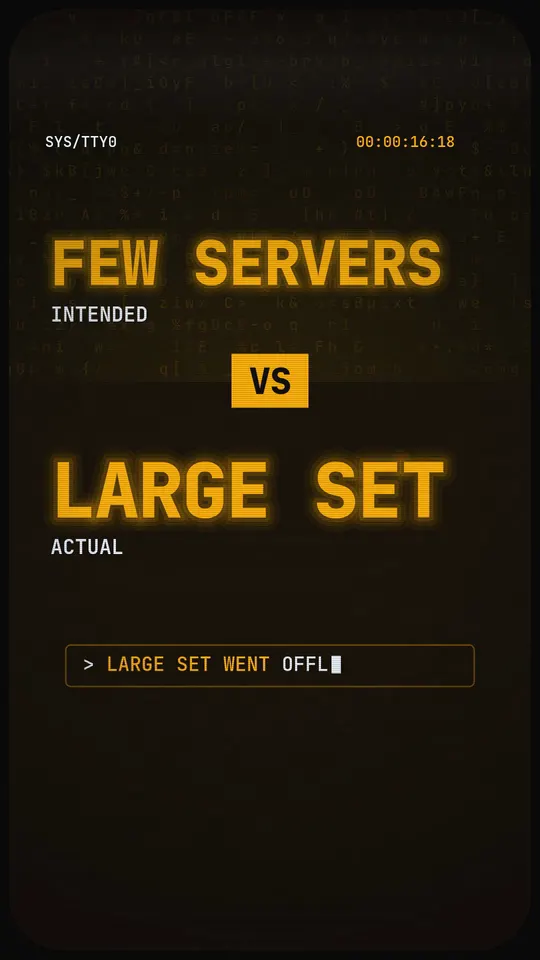
Every line is typed into an old amber terminal, cursor blinking.
Best for Tech history, security
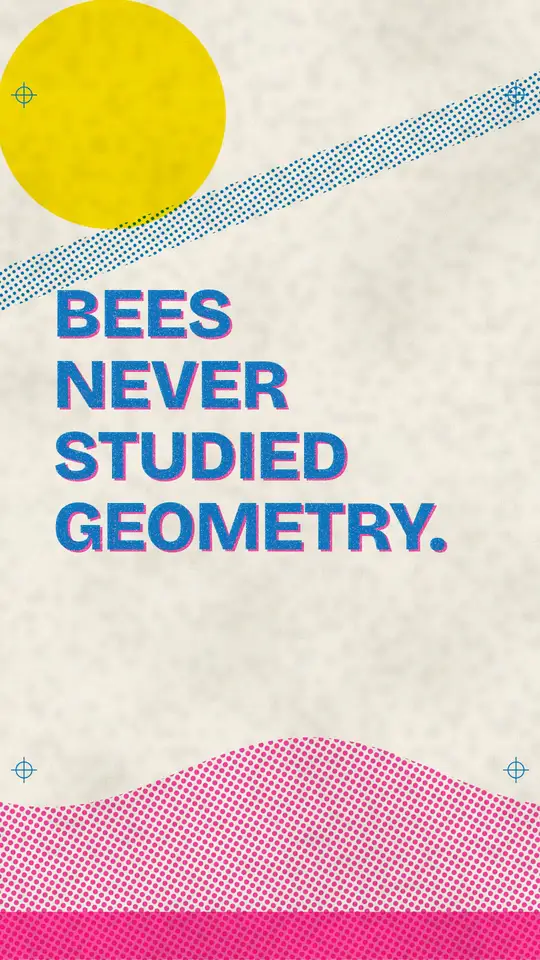
Translucent inks overprinted on warm paper, plates slightly off.
Best for Nature, lifestyle, zines
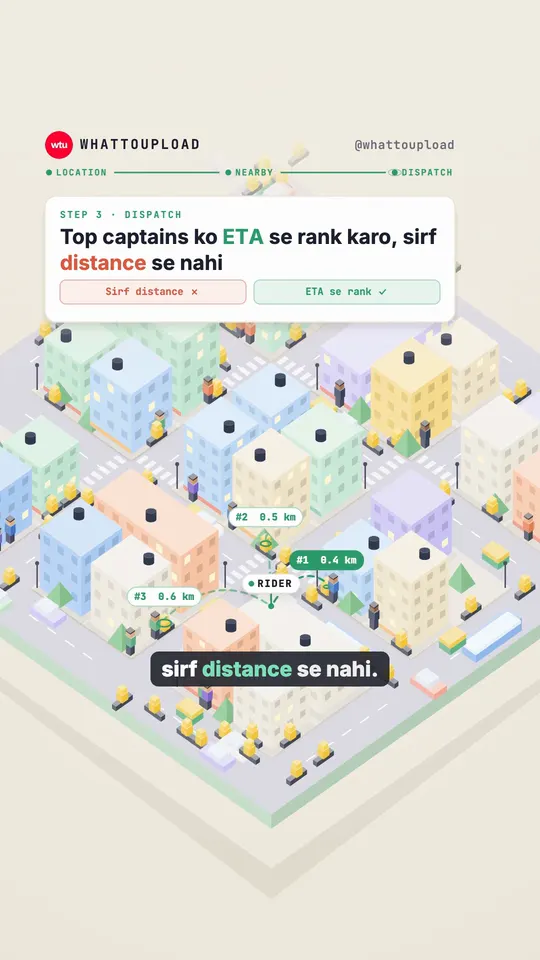
An isometric city of moving parts, with step cards that explain the system.
Best for How apps and systems work
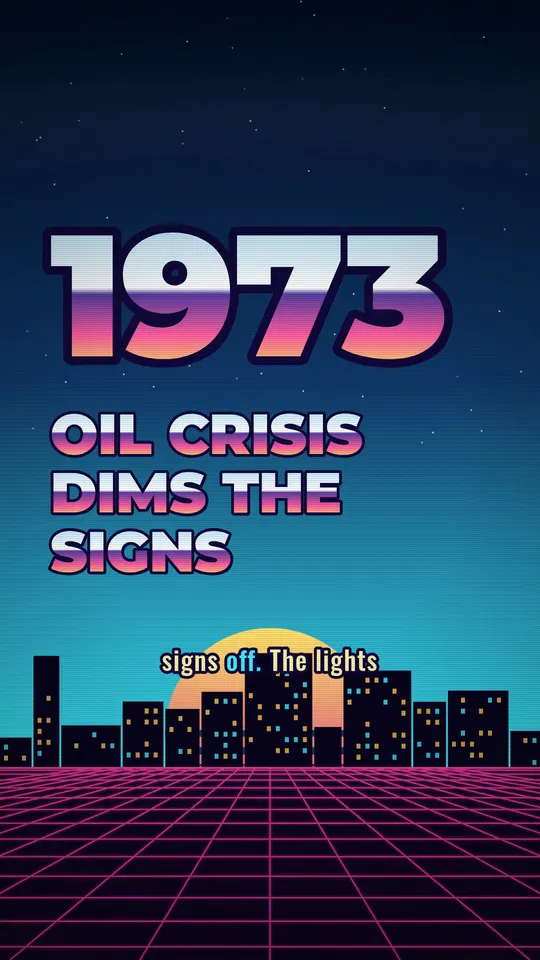
An 80s night on videotape: banded sun, glowing grid, chrome type.
Best for Music, retro tech, games
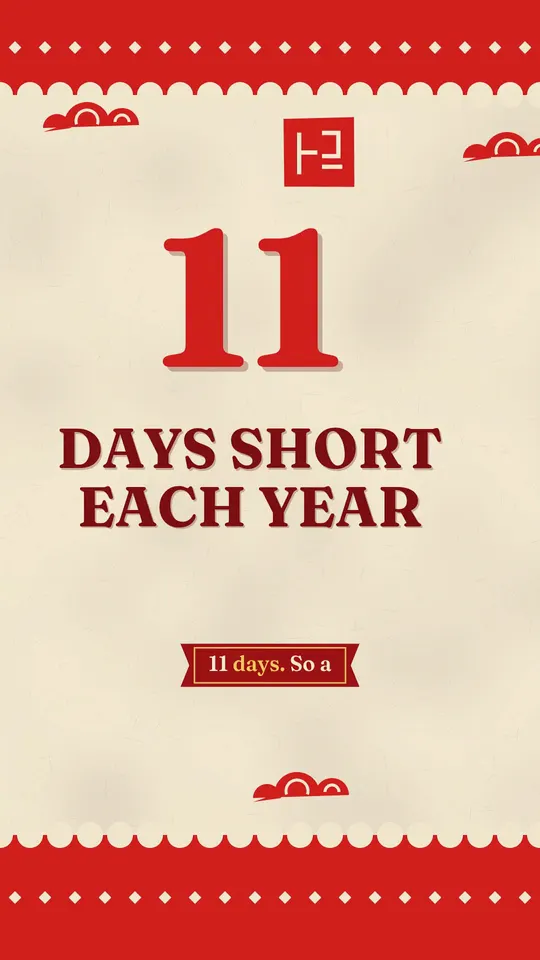
Festive red paper-cuts on rice paper with a touch of gold.
Best for Festivals, folk tales
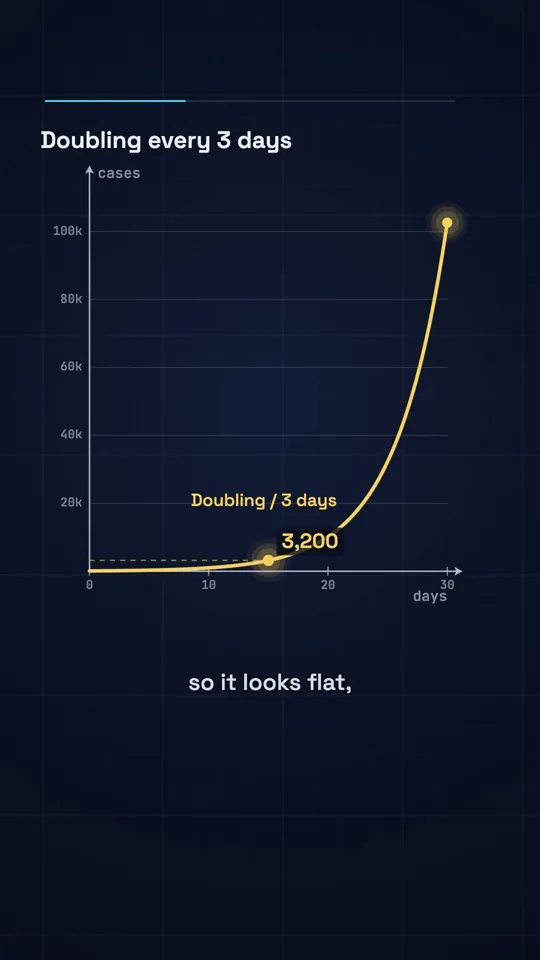
Graphs and equations draw on and morph on a dark grid.
Best for Science, maths, money
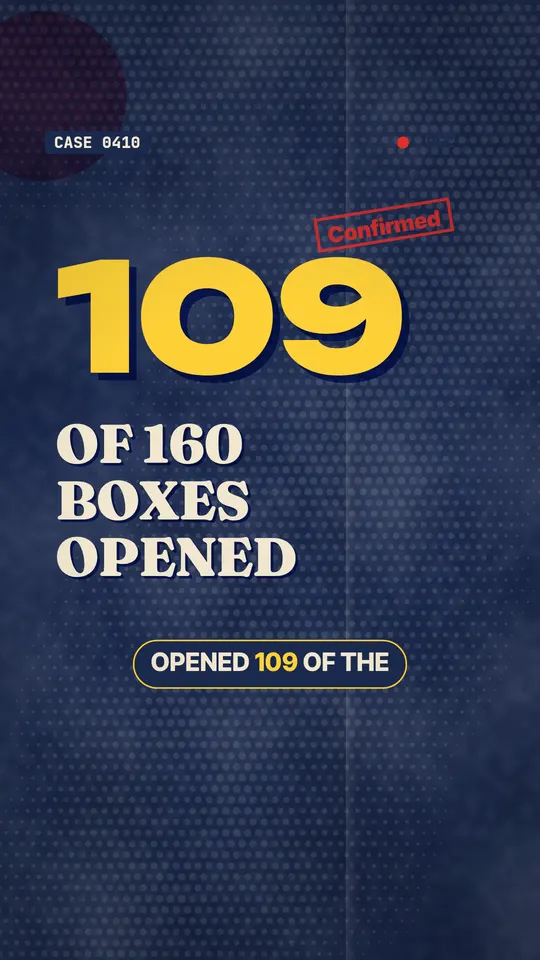
A retro case file with halftone dots and stamps that slam.
Best for True crime, heists, mysteries
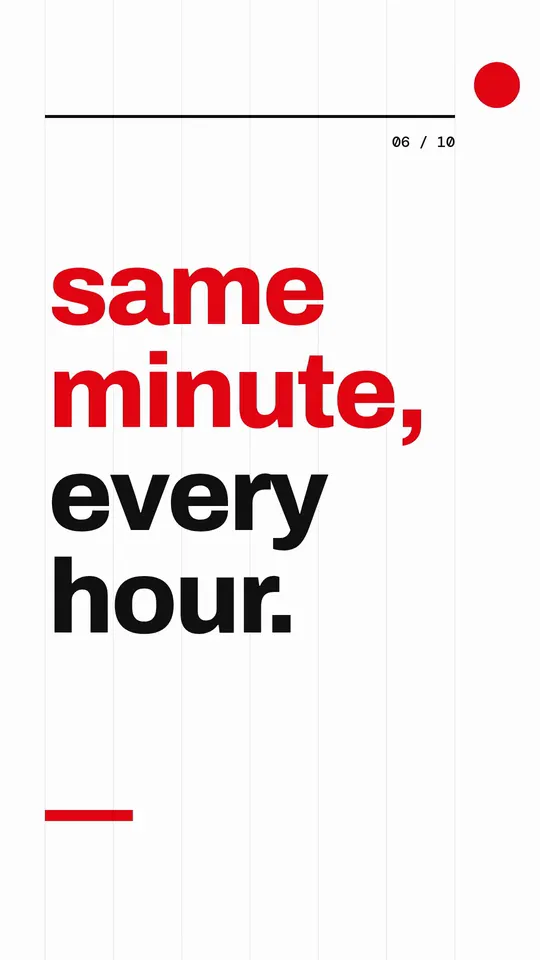
One grotesque, a column grid, flush-left type and a single red.
Best for Design, business explainers
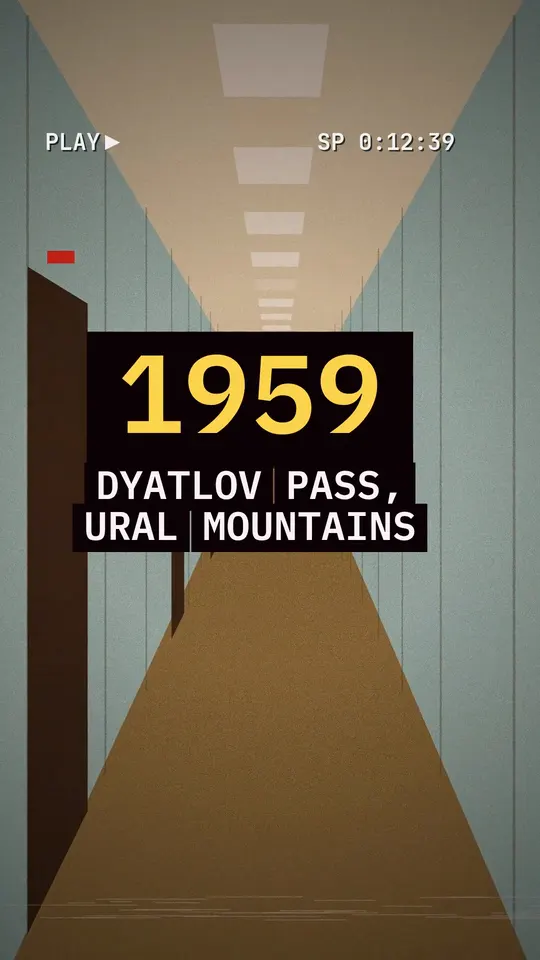
A recovered camcorder tape from an endless, humming corridor.
Best for Unsolved cases, creepy facts

A friendly 3D host walks through each step beside clean app cards.
Best for Tutorials, product walkthroughs
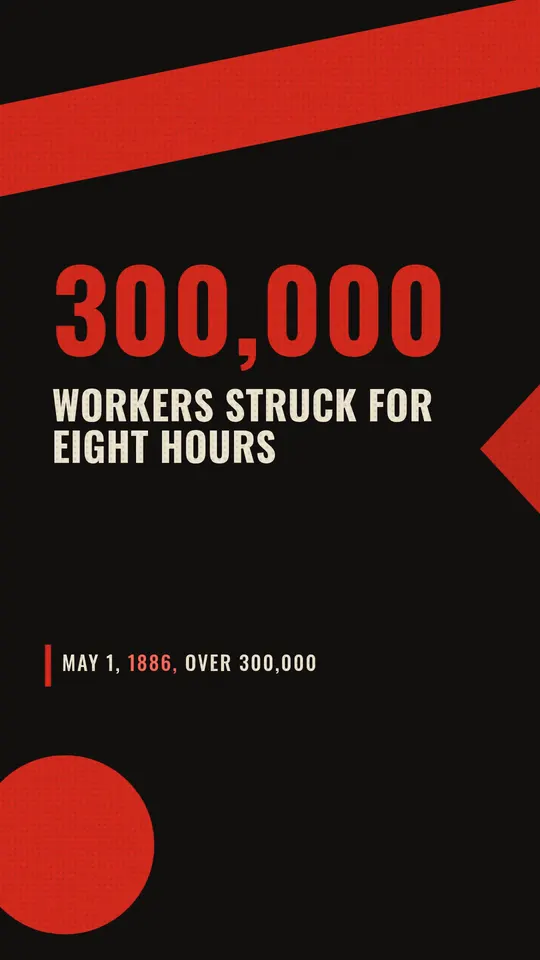
Constructivist print: diagonal red bands and words as solid blocks.
Best for Labour history, big wins
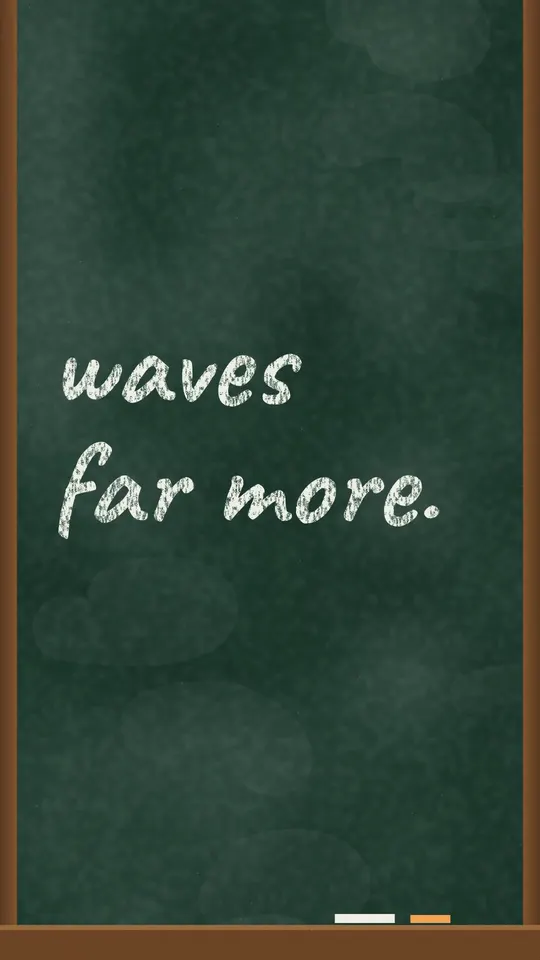
Chalk writes itself on a green slate, with one orange for the key idea.
Best for Lessons, myth-busting
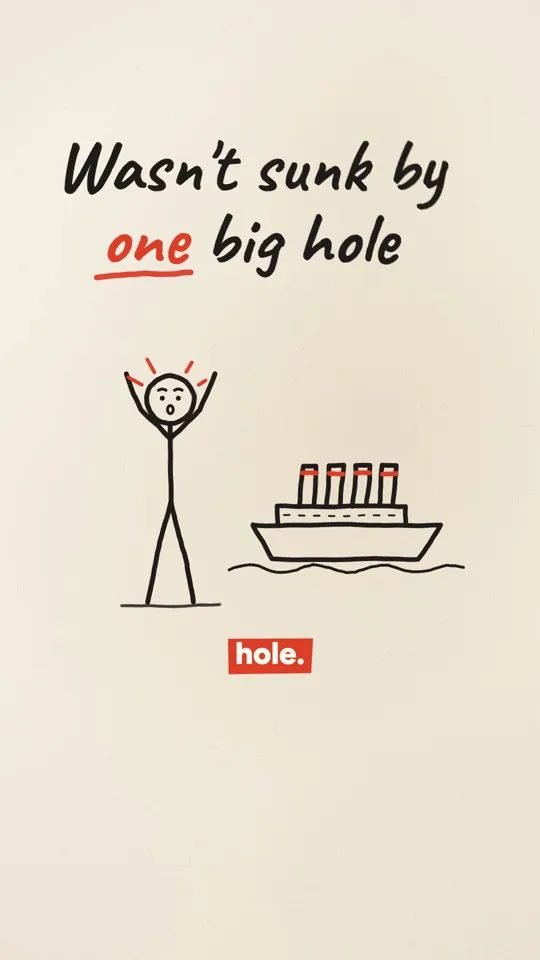
A stick figure is drawn in ink as the narrator talks.
Best for History, psychology, life lessons
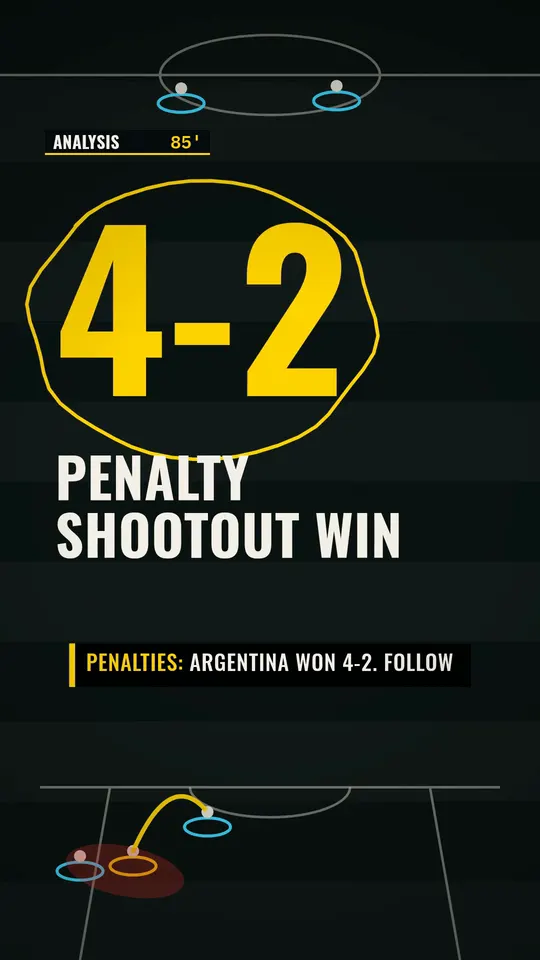
A TV tactics board: pitch lines, marker rings and arrows.
Best for Sports analysis, tactics
Every style is included on every plan.
01 How it works
No editor, no timeline, no stock footage hunt. You make two decisions and the rest is rendered.
One sentence is enough. Claude writes a tight script with the hook in the first line and real facts with sources, not invented statistics.
Kinetic type, Ink stickman or Diagram explainer, at 30 or 60 seconds. The credit cost is shown before anything starts.
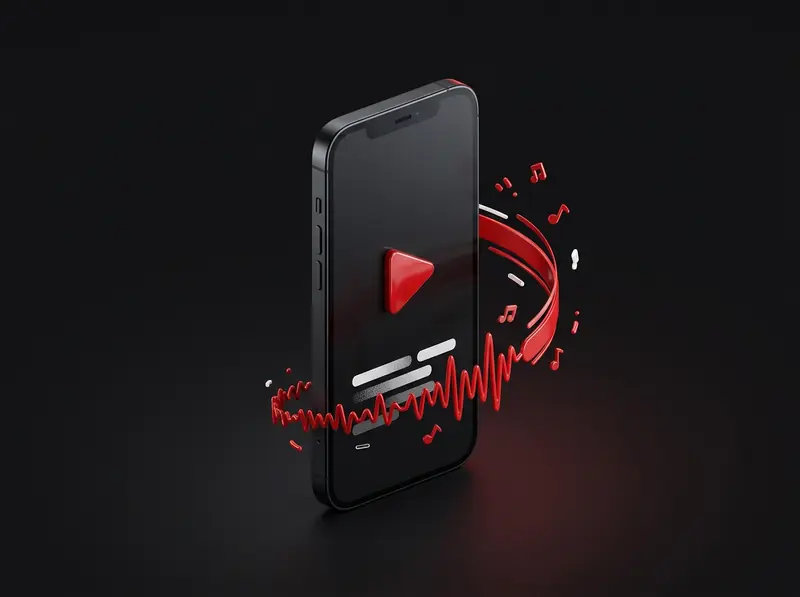
Voiceover by ElevenLabs, captions timed to the voice, music and sound effects. A 9:16 video in about 3 minutes, ready to post.
02 Drawn as code
Claude writes the storyboard: every word, shape and beat. Our renderer animates it frame by frame. That is the whole trick, and it is why these look the way they do.
Every word is set in a real font, so captions and labels never melt into the gibberish a video model draws.
A stick figure keeps its hands and a graph keeps its axis. No morphing between frames, no extra fingers.
Same fonts, colours and pacing on episode one and episode fifty, so a series looks like a series.
The script is built from facts you can check, the same rule the Script Studio has always followed: it does not invent numbers.
Captions are placed from the voiceover's own word timings, so every word lands as it is said.
No uncanny presenters melting between frames. Faceless styles stay faceless, and the avatar style uses one consistent cartoon host.
03 What to make next
A finished video is only worth it if the topic is right. The planning tools WhatToUpload started with now feed the studio: find the idea, package it, then render it.
Creator Brain: what it has learned from your decisions, with the evidence.
04 The honest version
No borrowed logos, no testimonials from customers we don't have, no view counts we can't back. What we can show you is the work: every video in the styles gallery above came out of Video Studio as it is. Watch them, read the writing, and decide from evidence.
Nobody can predict views honestly, so we don't sell you a score for them.
Auto-posting and scheduling to YouTube, Instagram and TikTok (on Pro and Studio), series on autopilot and more styles are being built. None of them is in the app today.
26 credits for a 30-second Kinetic type video, 30 for the other styles. You see the cost before you render.
If a render fails, its credits go back to your balance automatically.
05 Pricing
Every plan includes every style and every planning tool. The tiers only change how many videos you can make a month.
$25$19/month
500 credits a month, rolling over while you stay subscribed.
Start on Creator$65$49/month
2,000 credits a month, rolling over while you stay subscribed.
Start on Pro$129$99/month
4,500 credits a month, rolling over while you stay subscribed.
Start on StudioHow videos are counted. At 26 credits, a 30-second Kinetic type video. Ink stickman and Diagram explainer cost 30, and a 60-second video costs 42 or 48. Auto-posting and scheduling, when they arrive, are on Pro and Studio.
No surprise charges. The price shows before every render, failed renders refund automatically, and you can cancel any time in two clicks. Full pricing
Launch prices run until 31 December 2026, 23:59 IST. Subscribe before then and you keep the launch price for as long as you stay subscribed to that plan. After that, new subscriptions, plan changes and credit packs are charged the regular price shown struck through.
06 FAQs
The things people ask before paying, answered without marketing hedging.
Still unsure about something? Email us directly. It reaches the founder, not a ticket queue.

Finished vertical videos for YouTube Shorts, Instagram Reels and TikTok. You type a topic, pick a style and a length, and get a 9:16 video with a script, a voiceover by ElevenLabs, captions timed to the voice, music and sound effects. The planning tools WhatToUpload started with (the idea engine, packaging, scripts, thumbnails and Creator Brain) are still here and help you decide what each video should be about.
Three are live: Kinetic type (huge words land as they are spoken, on paper with one red accent), Ink stickman (a stick figure drawn in ink as the narrator talks, with hand-lettered labels) and Diagram explainer (graphs, equations and shapes that draw on and morph on a dark grid). More styles are coming soon.
About 3 minutes from pressing render to a finished video. Claude writes the script and storyboard, the voice is recorded, and our renderer draws every frame.
You do. Download it and use it however you like, on your own channels or for clients.
Yes. Post it to YouTube Shorts, Instagram Reels, TikTok or anywhere else, and monetise it: the video is yours. Each platform's own rules still apply. YouTube's Partner Program, for example, does not pay for repetitive or mass-produced content, so use it to make good videos faster rather than to flood a channel with near-identical uploads.
A 30-second video costs 26 credits in Kinetic type and 30 in Ink stickman or Diagram explainer. A 60-second video costs 42 or 48. Creator is $19/month for 500 credits (about 19 videos), Pro is $49/month for 2,000 (about 75) and Studio is $99/month for 4,500 (about 170), launch prices until 31 December 2026 that you keep while you stay subscribed. Credits roll over while you stay subscribed, and the price of every video shows before you render.
The credits go back to your balance automatically. You never pay for a video you did not get.
Not yet. Auto-posting and scheduling to YouTube, Instagram and TikTok are coming soon, on Pro and Studio, and so is a series mode that makes episodes on a schedule. Today you download the finished video and upload it yourself.
No generated video footage. Claude writes the storyboard and our renderer animates it as code: real fonts, drawn lines, plotted graphs, so the type stays sharp and nothing drifts between frames. One style, Avatar explainer, adds a consistent cartoon host; every other style is faceless.
Yes. Cancel in two clicks from Settings and you keep access and your plan credits until the period you paid for ends. Failed renders refund their credits automatically, and top-up credits never expire.
Your next upload
Type a topic, pick a style and judge the result yourself. The price shows before every render, and you can cancel any time.
Make your first video